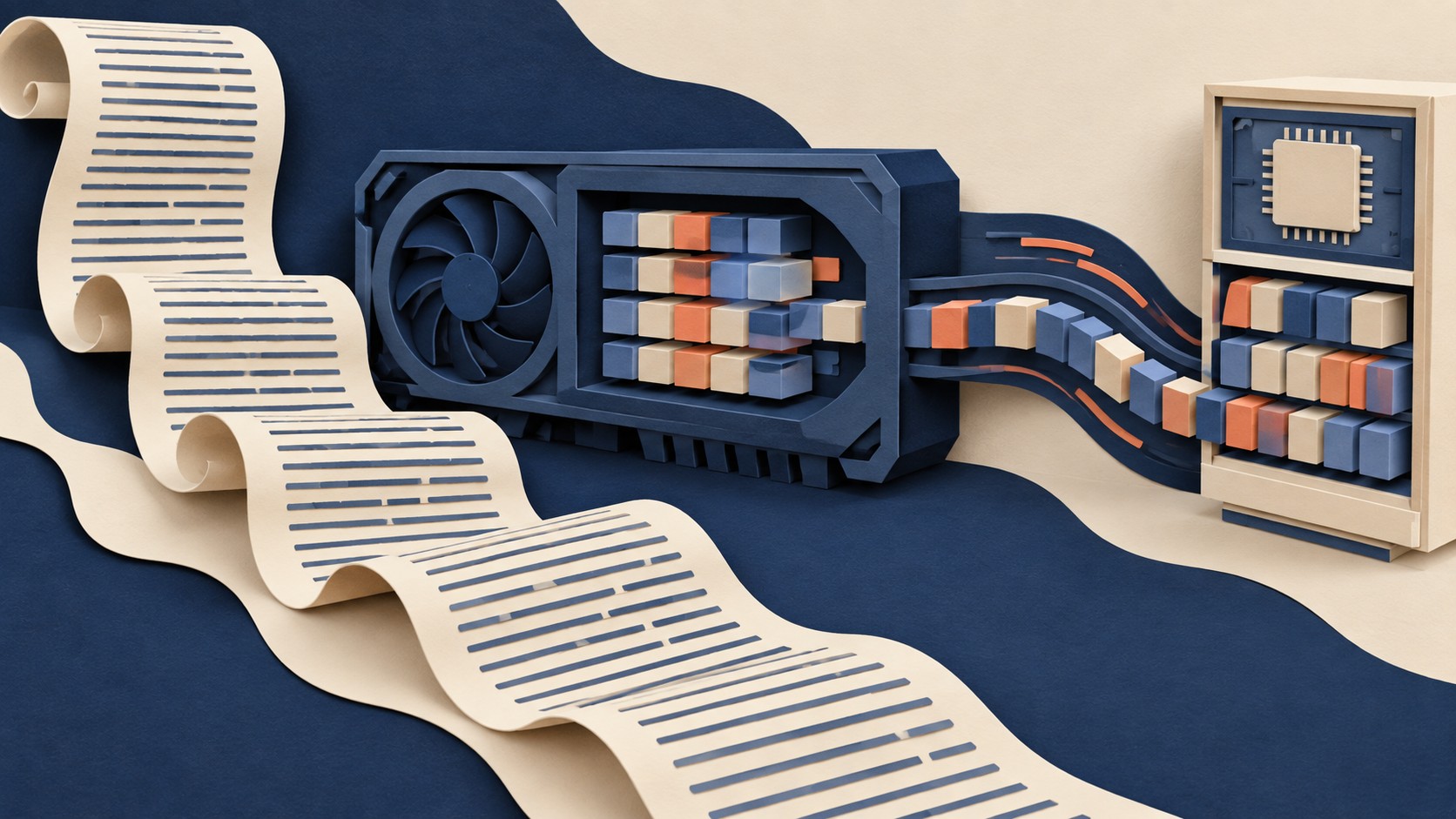
A long prompt leaves a memory footprint during generation. The model predicts one token at a time and reuses key and value pairs from earlier tokens. This key-value cache avoids repeated work, but it grows as tokens are stored. Hugging Face explains how the cache works.
Why long prompts need room
The cache holds key and value pairs for attention layers. In a basic dynamic cache, its sequence dimension grows as more tokens are processed. A long prompt can therefore make the cache a significant memory expense before the answer is finished. Hugging Face identifies the cache as a possible bottleneck for long-context generation, especially when GPU memory is limited. Its cache guide compares the available strategies.
That memory has a purpose. Keeping earlier pairs lets the model use them for later tokens instead of calculating those pairs again. Removing the cache from the calculation would give up that reuse. The caching explanation describes the per-layer storage and reuse.
Where offloading puts the cache
Cache offloading moves the stored pairs for most model layers to the CPU. During a forward pass, the current layer’s cache stays on the GPU. The next layer’s cache is fetched in advance, and the current layer’s cache returns to the CPU after its attention calculation. This arrangement reduces GPU memory use while keeping the cache available for generation. Hugging Face describes this transfer pattern.
In Transformers, cache_implementation="offloaded" selects the offloaded dynamic cache. cache_implementation="offloaded_static" selects the offloaded static cache. These settings can be passed to generate() or a generation configuration. Both options appear in the cache guide.
The speed cost
Moving cache data between the CPU and GPU takes work. Hugging Face says generation throughput may fall compared with keeping the full cache on the device. The effect depends on the model and generation choices, including context length and how many tokens are produced. Its guide gives no universal speed penalty. See the offloading guidance.
What to do
Start with the cache on the device if your prompt fits. If long prompts trigger a GPU out-of-memory error, try the offloaded cache option. Compare GPU memory use and generation speed on the prompts and output lengths you actually need. Keep the setting that gives your workload enough memory headroom at an acceptable speed. Hugging Face recommends considering offloading for memory errors and notes the throughput tradeoff.
The Campfire
No commentsNobody has pulled up a log by this one yet. Be the first to say what you make of it.
Held for the desk. It appears after a look.