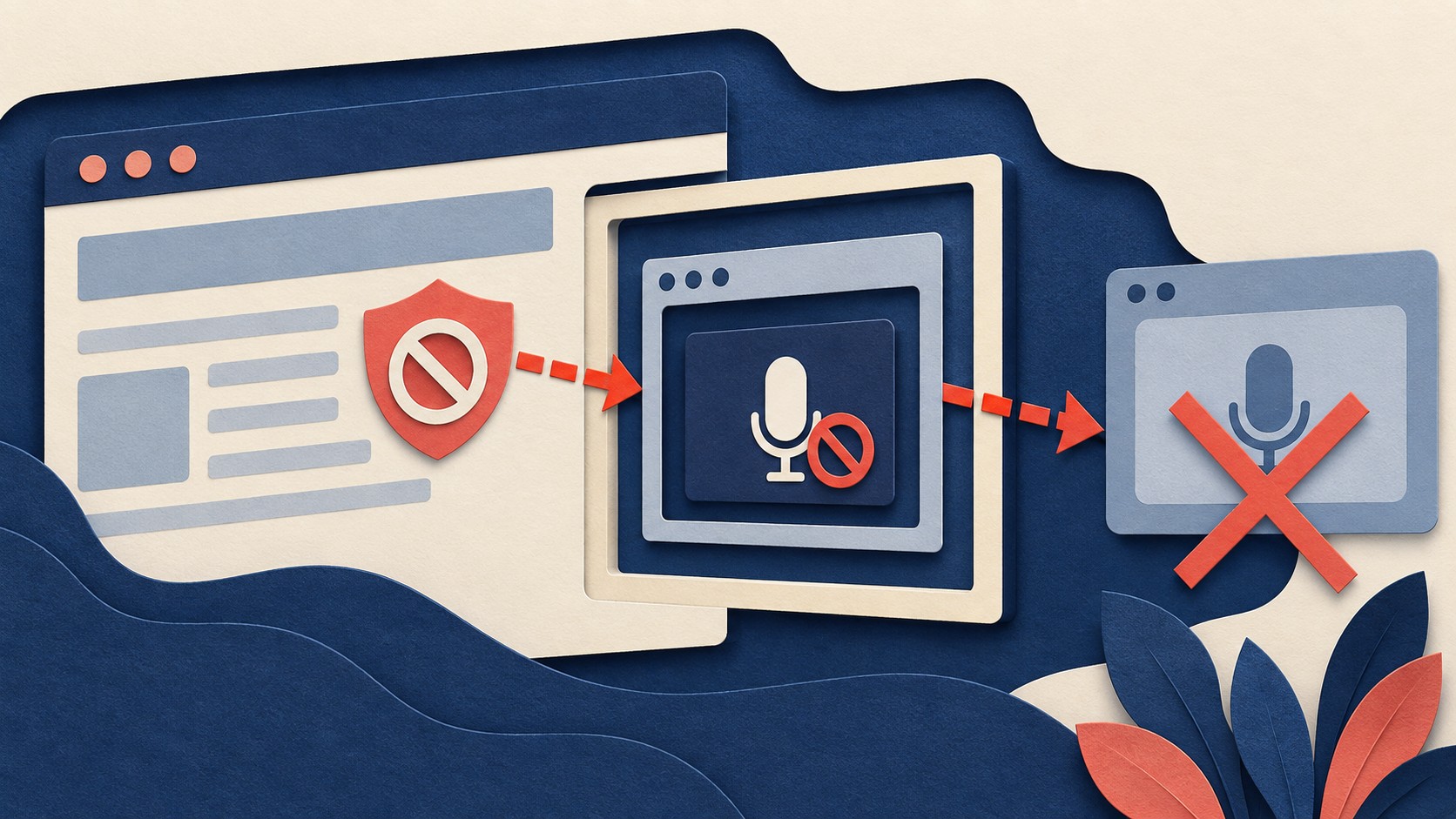
A voice widget loads, its microphone button responds, and no permission prompt appears. The widget may be calling getUserMedia({ audio: true }) correctly. Before the browser asks the user, it checks whether the widget’s document is allowed to request a microphone. A parent page can prevent an embedded document from reaching that prompt through Permissions Policy. The Media Capture specification makes that policy check part of microphone access.
The request can stop before user consent
getUserMedia() requests a media stream from an input device. If access succeeds, its promise resolves with a stream. If a defined microphone policy blocks the call, the promise rejects with NotAllowedError. The user is not asked to make a choice. MDN’s microphone directive reference describes this result.
That error alone does not identify the cause. MDN’s getUserMedia() reference also lists user denial and insecure contexts among the reasons for NotAllowedError. Treat a missing prompt as a clue, then check the policy and the other conditions before changing code.
The parent controls what its iframe can request
The parent page can send a Permissions-Policy response header. It can also set an allow attribute on a particular <iframe>. These controls work together. When the parent’s header names allowed origins, the iframe’s origin must be permitted by that header and by the frame’s allow attribute. An allow attribute cannot restore access that the parent’s header has blocked. MDN’s Permissions Policy guide explains how the policies are inherited and combined.
For example, a parent that sends Permissions-Policy: microphone=(self) limits the feature to its own origin. A voice widget served from another origin remains blocked even if its iframe says allow="microphone". A header with microphone=() disables microphone access for the parent and its embedded documents. The widget cannot change either header from inside its frame. Chrome’s Permissions Policy guide shows how explicit header allowlists and iframe attributes interact.
This matters when the widget works as a standalone page. Opening its URL directly removes the embedding parent from the test. A successful prompt there shows that the standalone page can request access under those conditions. It does not show that the parent has delegated microphone access to the embedded page. This follows from the policy inheritance rules.
A parent can delegate access to one widget origin
Suppose the parent page intends to let a widget at https://voice.example request microphone access. Its response can include this header:
Permissions-Policy: microphone=(self "https://voice.example")The parent can then embed the widget with:
<iframe src="https://voice.example/widget" allow="microphone"></iframe>The header includes the parent and the widget origin. The iframe attribute delegates microphone access to the document loaded from its src origin. This is an example of the header and iframe syntax. It permits the widget to request access; the browser still needs the user’s permission before opening the microphone, as the getUserMedia() reference explains.
Check the URL that actually loads in the frame. If it navigates to another origin, the original allow="microphone" entry does not automatically cover that destination. The Permissions Policy guide explains how to list a navigated origin in the iframe attribute. The parent’s header must permit that origin too.
An absent prompt has other possible causes
Permissions Policy is one gate. getUserMedia() also requires a secure context. In an insecure context, navigator.mediaDevices can be undefined, so the request cannot proceed. A sandboxed iframe needs an appropriate sandbox setting to call getUserMedia(). A request with no usable audio constraint can fail as well. These conditions are documented in MDN’s API reference.
A pending request is different from a rejected one. The user can leave a permission request unanswered, in which case the getUserMedia() promise may remain pending. If the browser has already recorded a permission decision, the next call may also behave without a new prompt. The API reference describes both possibilities. Record whether the call rejects, remains pending, or resolves before drawing a conclusion from the screen alone.
What to do
- Open the parent page’s network response and read its actual
Permissions-Policyheader. Check whether itsmicrophoneallowlist includes the parent and the widget’s loaded origin. The policy guide gives the allowlist syntax. - Inspect the rendered
<iframe>, including itssrc,allow, andsandboxattributes. For a cross-origin widget, arrange the parent’s header and the frame’sallowattribute to permit the intended origin. Check any navigation to another origin. Chrome’s guide gives a cross-origin delegation example. - In the widget, call
getUserMedia({ audio: true })and record whether it resolves, rejects, or stays pending. If it rejects, capture the exception name. A policy block producesNotAllowedError, but that name has other causes. Compare the result with the API’s documented errors. - Confirm the page is a secure context, then test the embedded page after changing the parent’s policy. The final permission decision still belongs to the user. The Media Capture specification separates whether a document may request microphone access from whether permission is granted.
The Campfire
No commentsNobody has pulled up a log by this one yet. Be the first to say what you make of it.
Held for the desk. It appears after a look.