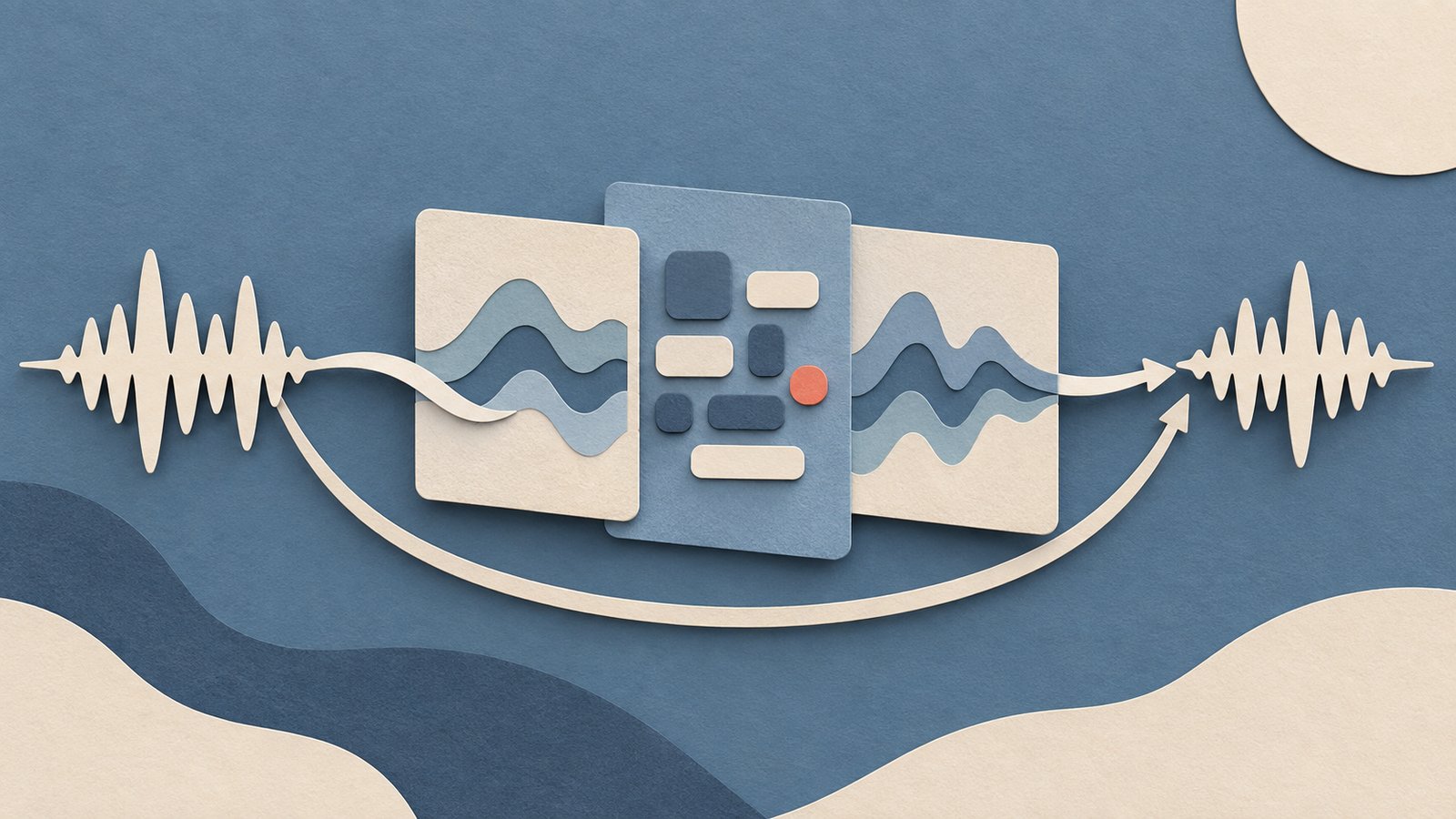
A voice agent is a loop that listens, decides what to do, and speaks. The familiar design uses three stages: speech-to-text (STT), a large language model (LLM), then text-to-speech (TTS). OpenAI’s voice-agent architecture guide describes this as a chained pipeline whose stages can be inspected and replaced. With supported streaming interfaces, recognition can produce interim text while the person speaks, and synthesis can begin before the full reply is written.
A second design sends audio directly to a model that returns audio. That shortens the visible pipeline, while giving the application less control over each intermediate step. The right choice depends on whether your product needs inspectable transcripts and replaceable components, or a more direct spoken interaction.
The three-stage pipeline
The first stage converts microphone audio into words. A streaming recognizer can emit interim text as it processes the audio, then revise or finalize that text. Google’s streaming recognition guide describes a bidirectional stream that accepts live audio and can return interim and final results. The application also needs to decide when the user has finished a turn. Voice activity detection (VAD) detects when speech starts and stops; Deepgram says its Flux recognizer combines transcription with end-of-turn detection.
The second stage sends recognized text and conversation context to the LLM. The model may answer directly, ask for clarification, or request a tool such as a database lookup. A custom function adds its own wait: the application executes the request, returns its result to the model, and receives the next response. Streaming model output as tokens or events lets later stages start early. Deepgram’s voice-agent message flow shows separate events for recognized conversation text, model processing, response text, and audio.
The third stage synthesizes the model’s text as speech. A streaming TTS service can accept partial text and send audio chunks as they become available. The client can play the first chunk while later audio is still being generated. Deepgram’s Flux TTS documentation describes a WebSocket mode that streams model text in and audio out, with support for interruption and resuming across turns.
These stages can overlap. A recognizer can send a partial transcript while the person is still speaking. Deepgram says its EagerEndOfTurn event lets an application start preparing a model response before the turn definitively ends. TTS can synthesize the first phrase as soon as enough text arrives. An application may wait for a confirmed turn end before committing a response to a partial utterance.
Direct speech-to-speech
With speech-to-speech, an audio-capable model takes spoken input and generates spoken output in one session. OpenAI’s Realtime conversation guide documents voice-to-voice interaction without a separate STT or TTS step, and describes audio arriving and leaving as stream events. OpenAI says this gives the model information about tone and inflection in the voice input.
The application still handles audio transport, turn-taking, interruptions, and tools. In a WebSocket integration, for example, the client streams input audio and receives output audio events. When a person interrupts, the client must stop playing buffered audio and keep conversation state aligned with what was actually heard. WebRTC integrations can have the server manage some of that playback state.
OpenAI’s direct audio design omits separate STT and TTS steps. A cascaded pipeline gives developers visible text at each step, and makes it easier to swap the recognizer, language model, or voice independently. It can also support workflows where a transcript is a product requirement, such as searchable support calls. Compare both designs with the same prompts, network path, turn rules, and user tasks; the architecture label alone does not predict the experience.
Where the response time goes
As of September 2026, the table reflects Deepgram’s published streaming latency guidance. These are approximate provider ranges for its recognition and network context, not a universal service-level promise. The rows overlap: total transcript latency already includes network and processing, while end-of-turn detection measures a different interval. Do not add them together as though they were independent stages.
| Measurement | Published figure | What it captures |
|---|---|---|
| Network transit | 20–200 ms | Ongoing network time; varies with geography and conditions |
| Transcription | 150–300 ms | Provider estimate for streaming recognition processing |
| Total transcript delay | 200–500 ms | Client-side delay including network and buffering |
| Flux end-of-turn detection | 100–500 ms | From detected speech end to an end-of-turn event |
The numbers do not provide a comparable universal budget for LLM thinking or TTS. Those depend on the selected model, input context, answer length, tools, synthesis settings, connection reuse, and where the client and service run. Deepgram’s per-turn latency report defines fields for speech-to-text, time to first language-model token, time to first text token, time to first audio byte, and total time from utterance end to first audio byte. For standalone speech synthesis, its TTS latency guide breaks a request into network time, time to first byte (TTFB), and audio synthesis. Use stage boundaries to find where your own time goes.
Stream each boundary
Streaming requires a live transport and a client that forwards partial results instead of waiting for complete files. On input, capture microphone frames and send them in small regular chunks. Deepgram recommends audio buffers of 20–100 milliseconds for streaming recognition: smaller chunks reduce waiting inside the buffer, while adding network overhead. Its latency guide also warns that network, client processing, and server processing all contribute.
On the recognition boundary, distinguish interim text from final text and from the end-of-turn signal. Interim words can change. Use them to show captions or prepare likely work; avoid irreversible actions until the user’s intent is stable. If your task benefits from early work, an eager turn signal can allow the model to prepare before the recognizer confirms the turn. Verify the recognizer’s event semantics before using that signal to execute a tool.
On the model boundary, stream text deltas or audio directly to the next stage. On the synthesis boundary, feed complete phrases or supported text chunks and play returned audio as soon as it is safe. Keep a playback buffer small enough to preserve responsiveness, but large enough to avoid stutters on the user’s network. Handle barge-in explicitly: detect that the person started speaking, cancel or truncate the agent’s pending response, stop local playback, and ensure the next model turn does not include speech the user never heard.
What to measure in production
Measure from the user’s perspective as well as inside each service. Record timestamps for the last input speech, end-of-turn event, final transcript, first model token, first output text, first audio byte, and first audio actually played. The latency report fields are useful stage signals, but “first audio byte” is not the same as “the person heard audio”: the client may still buffer, decode, or wait for a playback threshold.
Track end-to-end time to first audible response and percentiles such as p50 and p95, segmented by network region, model, language, and whether a tool ran. Also watch interruption success, dropped or reordered audio, transcript corrections, tool duration, and completion quality. A fast wrong answer is still a failed turn. Keep recordings or transcripts only when your privacy and retention policy allows them; capture event timing separately from raw audio.
Start by adding timestamps around the full live turn, then compare the client-observed delay with stage reports. If most delay occurs before the end-of-turn event, tune buffering and turn detection. If the wait is after the model starts, inspect context size, tool time, and time to first output. If text arrives promptly but sound starts late, inspect TTS startup and client playback buffering. Choose cascaded streaming when stage control and readable transcripts matter; choose direct speech-to-speech when the interaction benefits from a unified audio conversation. In both cases, optimize the delay users hear and the quality they get, measured on your actual path.
The Campfire
No commentsNobody has pulled up a log by this one yet. Be the first to say what you make of it.
Held for the desk. It appears after a look.