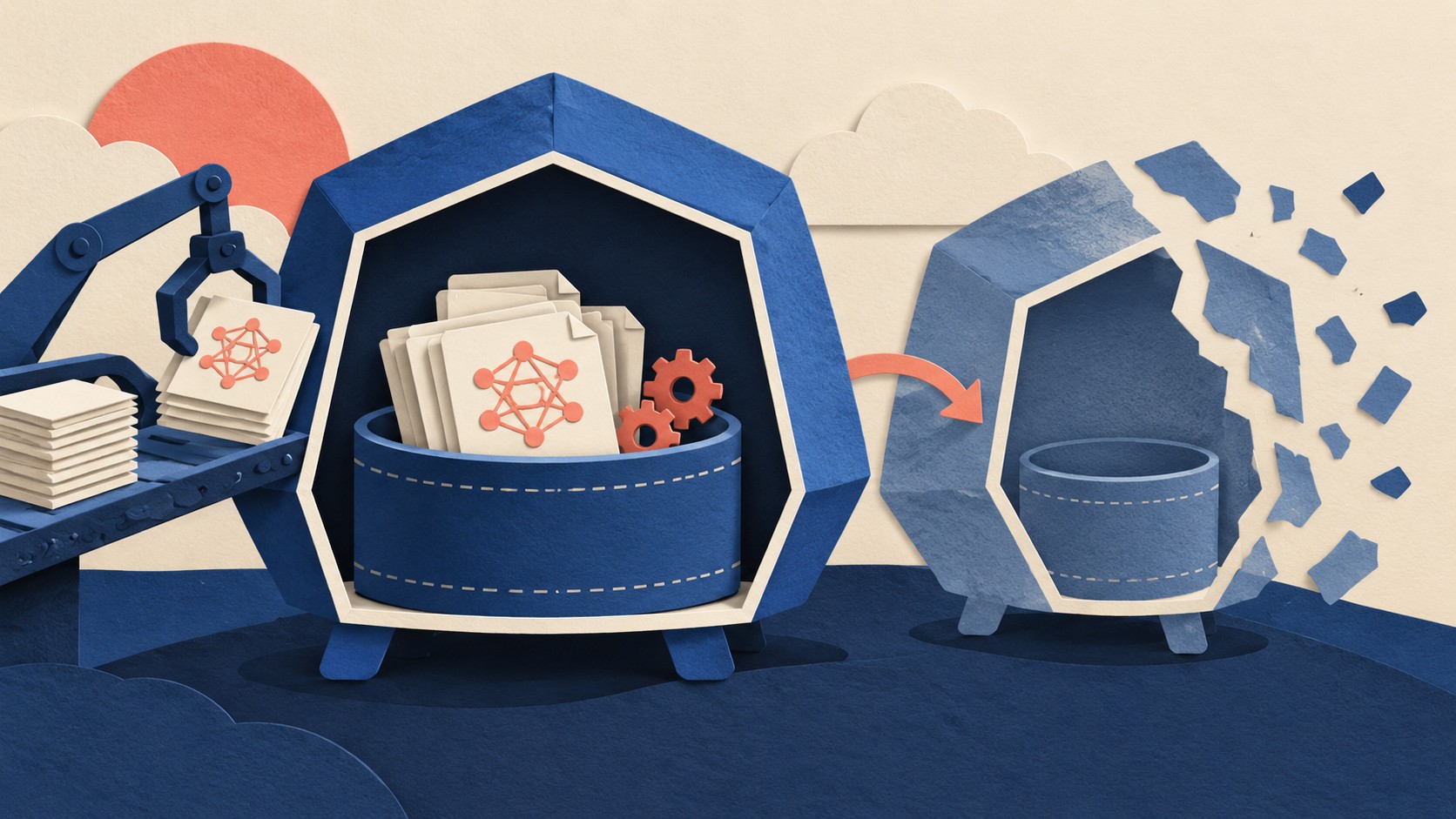
A model server may need files before it can serve a request: a downloaded artifact, an extracted archive, or a generated configuration file. A scratch volume gives the setup process and the server a place to share those files. The first decision is whether the server can safely make them again.
Kubernetes ephemeral volumes follow the lifetime of a Pod. They are created and deleted with it. That makes them a reasonable home for reproducible setup files. It makes them a risky home for the only copy of anything valuable.
The lifetime belongs to the Pod
For a simple writable workspace, Kubernetes offers emptyDir. It starts empty when the Pod is assigned to a node. Containers in that Pod can mount the same volume and share its files. If a container crashes and restarts while the Pod stays on the node, the files remain. When the Pod is removed from the node, Kubernetes permanently deletes the emptyDir data.
That distinction matters during recovery. A restarted server container may find the files its setup container prepared earlier. A replacement Pod starts with a fresh workspace. Design the startup path around that fresh Pod, rather than assuming a successful download will still be there. The volume documentation describes both sides of this behavior.
An emptyDir can use storage backed by the node, or it can use memory. Memory-backed files count toward the memory limit of the container that wrote them. A sizeLimit can constrain an emptyDir, although other uses of node storage can still leave less space available than that limit suggests. These details make the choice of medium and capacity part of the workload design, especially when setup files are large. Kubernetes documents the capacity behavior here.
Setup files fit when they can be rebuilt
Imagine a Pod whose setup step downloads a specified model artifact, checks it, and expands it into a directory that the server reads. The source artifact must remain available outside the Pod. The downloaded and expanded copies can be disposable if a new Pod can repeat the work and the added startup time is acceptable. This is an operational choice derived from the Pod-bound lifetime, rather than a promise that the files will survive a replacement.
An init container is one way to perform that preparation. Init containers run before application containers and can exchange data with them through a shared volume. The application container starts after the init container succeeds. Kubernetes also warns that init code can be retried or run again, so writes to emptyDir should tolerate files that already exist. A setup step should verify its inputs and handle a partial earlier attempt.
Small, nonconfidential settings can instead come from a ConfigMap. Kubernetes says ConfigMaps are not designed for large chunks of data. Credentials belong in a Secret, with the access controls and encryption precautions described in that documentation. An emptyDir is useful when setup must produce writable files for this Pod; it does not replace the source of those settings or credentials.
The sole copy needs another home
A model checkpoint, a user upload, or an output that must survive replacement needs storage with a different lifetime. A PersistentVolume has a lifecycle independent of an individual Pod. A Pod can use storage through a PersistentVolumeClaim, subject to the storage system and claim configuration. That is the direction to examine when data must remain available after the current Pod goes away.
There is a subtle case in the ephemeral volume family. A generic ephemeral volume can use a storage driver and creates a PersistentVolumeClaim for the Pod. The Pod owns that claim, and Kubernetes deletes the claim when the Pod is deleted. Depending on the reclaim policy, the underlying volume may also be deleted. Its use of a claim therefore does not make it a durable place for the only copy of a file. Check the ownership and reclaim behavior before relying on any volume for recovery.
Local scratch storage also competes for node capacity. Kubernetes tracks writes to local emptyDir volumes alongside other local ephemeral storage use, including writable container layers and Pod logs, when that monitoring is enabled. Containers can declare requests and limits for ephemeral-storage. Resource management documentation explains those controls. Capacity planning should include the files created during setup, their extracted form, and the space the running server will use.
What to do
- List every file the model server needs at startup. Mark its authoritative source and whether a replacement Pod can recreate it.
- Put reproducible, writable setup files in a shared
emptyDir. Use an init container when preparation must finish before the server starts. Make the preparation safe to retry. (Volumes; init containers) - Set storage requests and limits from the expected workload, and account for node capacity. Choose memory backing only after accounting for its memory use. (Resource management;
emptyDir) - Keep the authoritative copy of any irreplaceable artifact or result outside Pod-bound storage. Use a claim backed by suitable persistent storage when the application needs files to outlive the Pod. (Persistent Volumes)
- Verify the recovery path by creating a replacement Pod and checking that it prepares its files from their authoritative sources. Expect its scratch directory to start empty. (Ephemeral volumes)
The Campfire
No commentsNobody has pulled up a log by this one yet. Be the first to say what you make of it.
Held for the desk. It appears after a look.