OpenCode’s 2.0 note, dated 12 October 2026, presents 2.0 as the line to upgrade to. It is not the first time those packages existed. npm shows @opencode/[email protected] published at 23:44 UTC on 11 September 2026, and the git tag v2.0.0 points at a commit from 23:46 UTC that night. There is no GitHub Release object for that tag. The CLI package people install, opencode-ai, still has no 2.x version: its latest tag is 1.19.0, published at 01:38 UTC on 11 October. @opencode/[email protected] was published at 04:14 UTC on 12 October.
The note’s claim of “millions of daily users,” and of “millions of users who use OpenCode every day,” is the project’s own. The anomalyco/opencode repository had 212,772 stars when the GitHub API was read on 12 October 2026. The repository is MIT-licensed. Star count is not a user count. Those version times are from the opencode-ai and @opencode/client documents on the npm registry.
One server, a new client, Code Mode
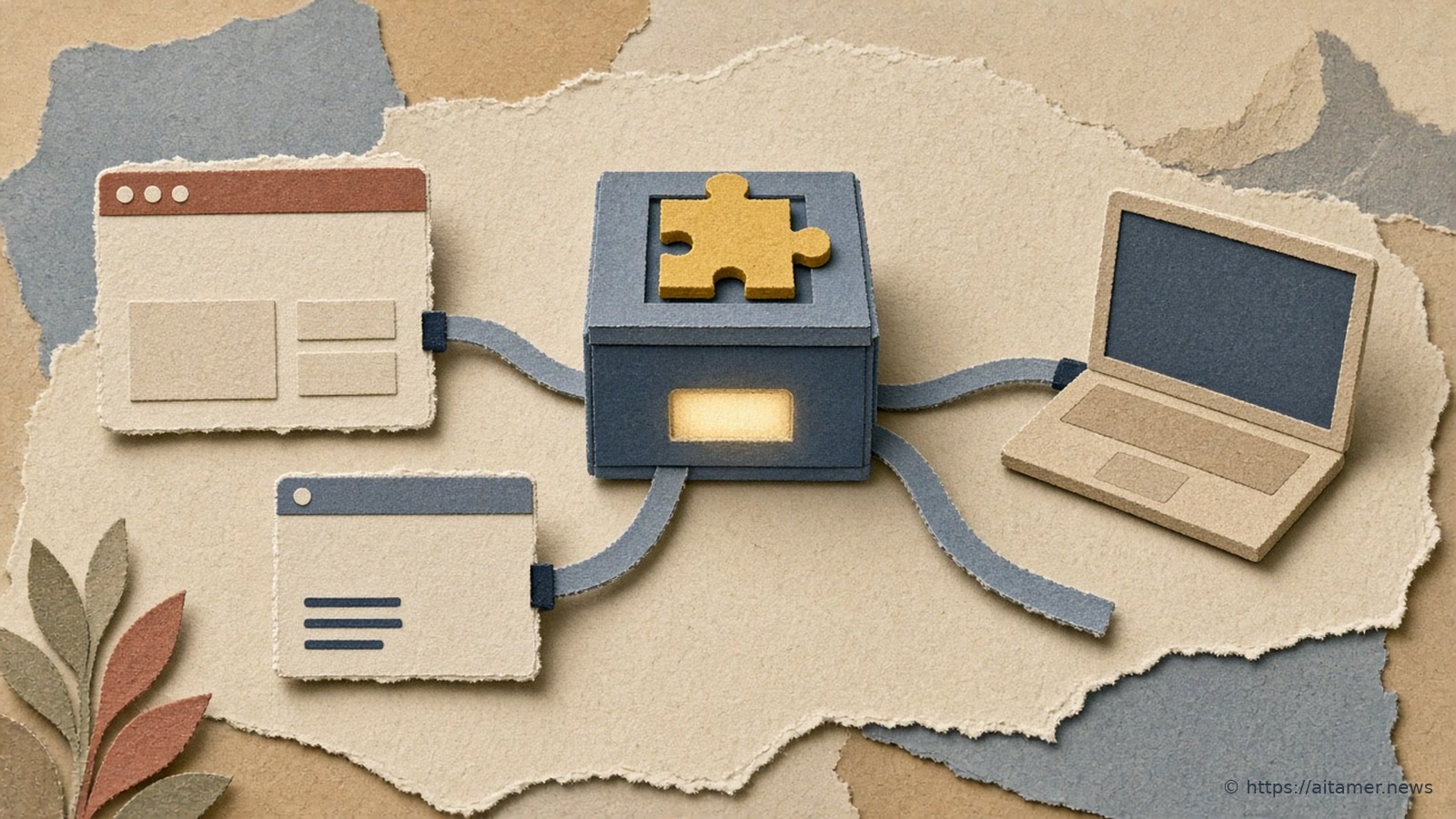
OpenCode already had a client and a server. The note says that, until 2.0, the server was mostly for people who set it up, and that 2.0 starts one background process per machine on its own. The terminal UI, the web interface and the desktop app talk to that process. Scripts that import @opencode/client are supposed to find the local service without extra setup. The note also says you can call the same service with opencode api commands, which it points at scheduled tasks.
opencode pair, and /pair inside the session, exposes that server to other hosts so other applications can attach. The note says native apps that use this are still in the works.
The HTTP API is a rewrite. The note calls the old one something that “grew haphazardly” and says the new one was “started from scratch.” The published client example creates a session against a local endpoint and sends a prompt. The same page lists breaking changes: 1.0 plugins will not work in 2.0, the server API is completely different, and “tui.json config is moved to json.” It says other changes are backwards compatible, and that pointing OpenCode at the note is enough for it to migrate a setup.
Code Mode is a small JavaScript interpreter in the package @opencode/codemode. The note says it turns MCP servers, or OpenAPI endpoints, into functions the model calls from a script: fetch a list, map over it, call another tool, and return, in one round trip instead of one tool call at a time. In 2.0, every MCP server is opted into Code Mode by default. The note’s reason is that a long list of servers can stay available without each tool’s schema sitting in the prompt. That default is the project’s choice, not a measurement of how much context it saves.
What 1.19.0 changes for people who pin or automate
v1.19.0, released 11 October 2026, is the stable-channel step that makes the jump explicit. The release notes say to run opencode upgrade --major to move to OpenCode 2, and that updates are no longer installed automatically: /update in the terminal UI installs an update or upgrades to 2. The release account on X posted the same two points that night, plus support for OpenAI’s ultrafast service tier, which is also in the release notes.
If you pin opencode-ai at 1.19.0, or at any earlier 1.x, you stay there until someone runs that upgrade or /update. A job that used to pick up a new CLI because OpenCode updated itself will now keep the version you installed. A job that shells out to opencode on a shared machine should assume one background server for the user, shared with any terminal, web or desktop session that person already has open.
Moving across the major boundary is a rewrite of the integration, not a flag. Plugins built for 1.0 do not load, and anything that spoke the old server API needs the new client. Together Link’s docs, as we reported earlier, already require OpenCode 2 for that launcher. The desktop app has its own path: the note says to download the current build, and does not route it through opencode upgrade --major.
The Campfire
No commentsNobody has pulled up a log by this one yet. Be the first to say what you make of it.
Held for the desk. It appears after a look.