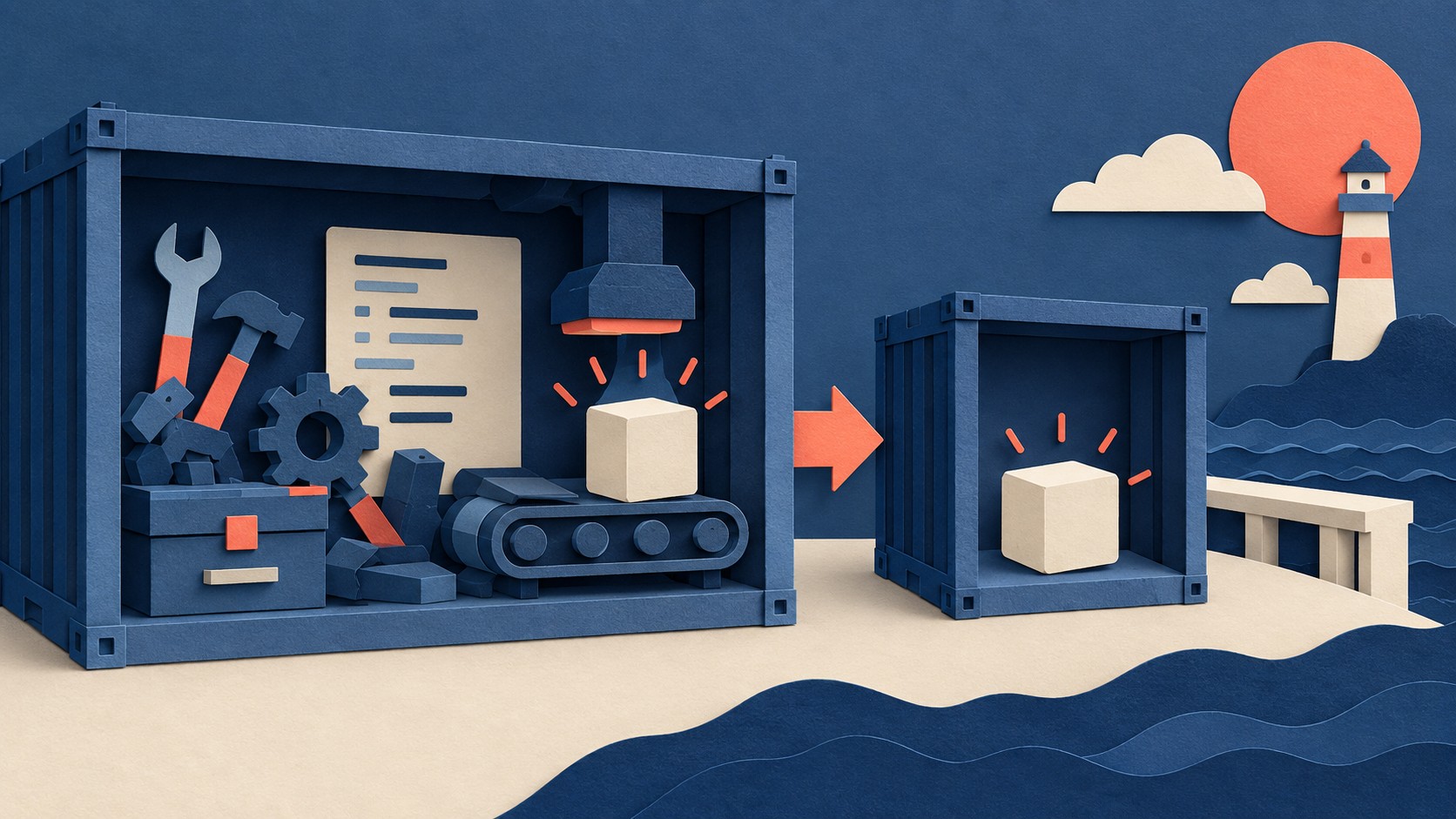
The final stage sets the contents
A Dockerfile can use more than one FROM instruction. Each one begins a new build stage. Docker lets you copy selected artifacts between stages, so the final image can contain the finished program without the tools used to build it. Docker’s multistage build guide shows this with a Go binary: the compiler and intermediate artifacts stay out of the final image.
This gives the build stage one job: produce the executable. The final stage gets its own base image and receives the artifact through COPY --from. What you copy into that stage determines which build outputs it receives.
A two-stage Dockerfile
This short example follows the pattern in Docker’s guide. It expects a main.go file that builds a standalone hello-world program.
FROM golang:1.26 AS build
WORKDIR /src
COPY main.go .
RUN go build -o /bin/hello ./main.go

FROM scratch
COPY --from=build /bin/hello /bin/hello
CMD ["/bin/hello"]
The first stage has the Go build environment. The second starts from scratch and copies the binary from the named build stage. Docker’s documented example uses the same arrangement to produce an image containing the binary without the Go build tools. Naming the stage also keeps the copy instruction tied to build if stages are reordered later.
Inspect a stage before finishing the image
A multistage Dockerfile can still expose a useful stopping point during development. Docker documents docker build --target build -t hello-build . as the way to build through a named stage. Use that target when you need to inspect the build stage. Build the final stage when you need the image defined by the complete Dockerfile.
What to do
Put compilation in a named build stage. Start a separate final stage with the base your program needs. Copy the finished artifact with COPY --from=build, then set the command that runs it. Build the image and check that the program starts. If you need to examine the compilation stage, build it with --target build. Docker’s examples show both the artifact copy and the target command.
The Campfire
No commentsNobody has pulled up a log by this one yet. Be the first to say what you make of it.
Held for the desk. It appears after a look.